Free Online Surveys
Please note that the help documents shown are for version 1 of our website. We will be updating these documents for version 2 shortly.
Home > Features Overview

Features Overview

kwiksurveys.com offers the following major advantages over our competitors:
Free survey tool
  • First class customer support.
  • It's Free - That means there are no charges.
  • Unlimited usage.
  • Unlimited number of responses, questions and surveys.
  • No time restrictions.
Unlimited survey tool
 
Survey design features:
Survey design tool
  • Easy to use survey editor.
  • Create professional looking surveys.
  • Add titles, descriptions and footers to your survey pages.
  • Randomize and sort the order of the questions.
  • Randomize and sort the order of the answers.
Available question types and formatting options:
survey question
  • Each question has setting to change the layout and style.
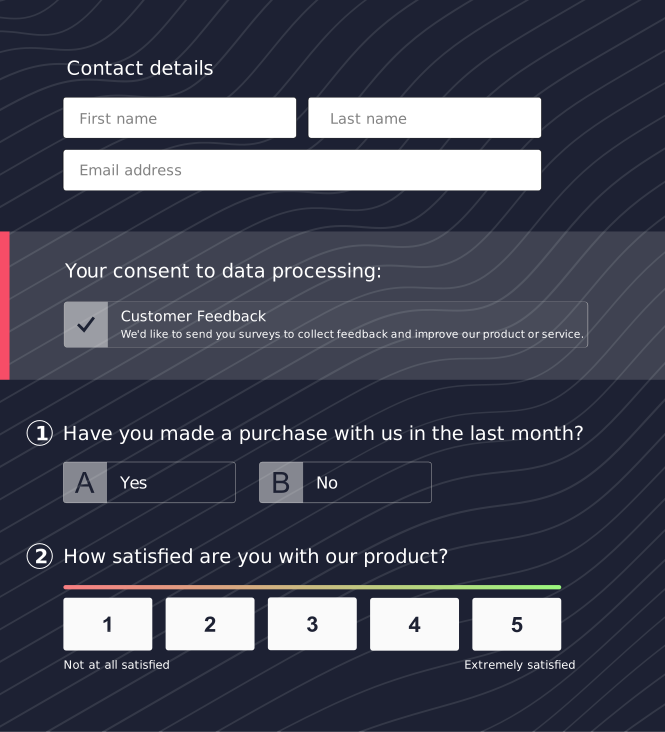
  • Multiple choice - single answer with layout options and option to change into a menu.
  • Multiple choice - multiple answers with option to restrict the number of choices.
  • Star rating - Rate a single or multiple items using stars.
  • Matrix one answer per row (button) - A set or series of questions that share answer choices.
  • Matrix multiple answers per row (check) - The participant select all answer choices that apply for each question in the matrix.
  • Ranking - The participant must rank each item with a different choice
 
Customization and Language support:
Survey question piping Survey question skipping
  • All languages supported - Support for UTF-8 languages.
  • All text, messages and buttons can be customized.
  • Change the look and feel of your survey with custom survey themes.
  • Add your own logos - Upload logos to your survey
  • Customizable background - Upload a background image to your survey
  • Upload images and videos into your survey
Advanced design features:
Survey question piping Survey question skipping
  • Duplicate response protection
  • Page skipping - Branch to another survey page regardless of their response.
  • Response Piping - Pipe responses from one question to the text of another
  • Question piping - Base a questions answers on the response of another question.
  • Edit surveys that have responses - add, rearrange , delete answers
  • Theme editor - Apply custom layout, styling, logos and colors to your survey.
  • Password protect your survey.
  • Block duplicate responses using IP address and cookies.
  • Receive completed surveys by email
  • Password protect Survey results, if required.
Deployment Features:
Survey question piping Survey question skipping
  • Advance Response Tracking.
  • Automatic survey cut-off date, start date and maximum response count.
  • Track responses, bounced emails, opened emails, participants IP address.
  • External API allowing for external pass-in participant details collection.
Response analysis:
Survey analysis Survey SPSS
  • Results overview - View your survey responses as they are collected.
  • View Individual Responses - View each individual response along with other important details such as time taken.
  • Download & Export your data - Results can be downloaded in CSV formats for importing other software.
  • Shared results overview - Share your survey results with others via a link.
  • Filter Responses - Create a reusable filter to focus in on your survey results.
  • Display completed, partially completed or all responses
  • Mark responses as seen. For long term data collection when your need to hide responses.
Survey Management features:
Survey manager
  • Duplicate, delete and preview surveys.
  • Copy surveys to other kwiksurveys.com users.
  • Change the surveys configuration
 
First class customer support:
Support
Survey customer
  • Online help, Documentation and tutorial videos available
  • Paid personal support centre, with response within 2 working hours*
  • Direct telephone support.
  • Free Email support and help with response within 48 Hours.
  • Change the surveys configuration
 
*Telephone and email support available between:
Pacific Time (UTC-7) 10:00 - 16:00